Main Heading (H1)
This is a standard paragraph demonstrating the basic text rendering capabilities of our custom markdown parser. It handles multiple lines grouped together until a blank line is encountered.
Subheading (H2)#
We also support various inline formatting options. You can make text bold, or italicized. You can also add inline code snippets and links to other pages. You can also strike through text that's no longer relevant.
Lists (H3)#
Here is an unordered list:
- First item in the list
- Second item with some bold text
- Third item using an asterisk
And here is an ordered list:
- First step in the process
- Second step with
inline code - Third step with a link
Nested Lists#
Nesting works for both ordered and unordered lists:
- Frontend
- React
- Vue
- Composition API
- Options API
- Svelte
- Backend
- Node.js
- Go
- Rust
And ordered nested lists:
- Set up the project
- Install dependencies
- Configure environment variables
- Write the code
- Create the module
- Add tests
- Deploy
Task Lists#
Track progress with checkboxes:
- Design the layout
- Implement the parser
- Add syntax highlighting
- Write documentation
Smaller Heading (H4)#
Even Smaller (H5)#
Tiniest Heading (H6)#
Blockquotes#
Here is a standard blockquote:
This is a blockquote. It can contain bold, italic, and
codeformatting. Blockquotes are great for highlighting important information or quoting external sources.
Callout Boxes#
NoteThis is a note callout. Use it to highlight information that users should take into account, even when skimming.
TipThis is a tip callout. Use it for helpful advice or best practices that can save time.
WarningThis is a warning callout. Use it for critical information that could cause issues if ignored.
ImportantThis is an important callout. Use it for crucial information that users need to know.
Tables#
Here is a comparison table:
| Feature | Status | Notes |
|---|---|---|
| Code Blocks | Supported | Shiki highlighting |
| Terminal | Supported | macOS-style chrome |
| Blockquotes | Supported | With callout variants |
| Tables | Supported | Alignment options |
| Images | Supported | With figcaption |
Multiline Code Blocks#
We recently added support for standard multiline code blocks. Here is an example:
function helloWorld() {
  console.log("Hello, world!");
  return true;
}
Custom Terminal Blocks#
And here is the custom terminal screen element you requested:
$ bun run build
Built in 42ms → dist/
$ bun run dev
Dev server running at http://localhost:3000
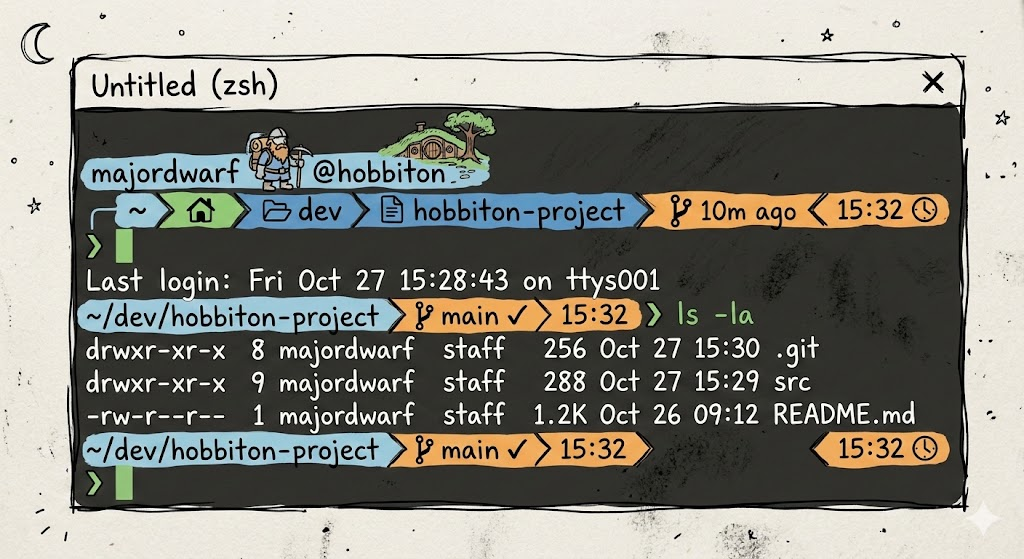
Inline Images#
You can embed images directly in your content:
Footnotes#
Footnotes let you add references without cluttering the text. Here's a sentence with a footnote[1] and another one[2].
You can reference the same topic later with additional notes[3].
This concludes the markdown showcase!